
Design Workflow
dsh-hyperframes
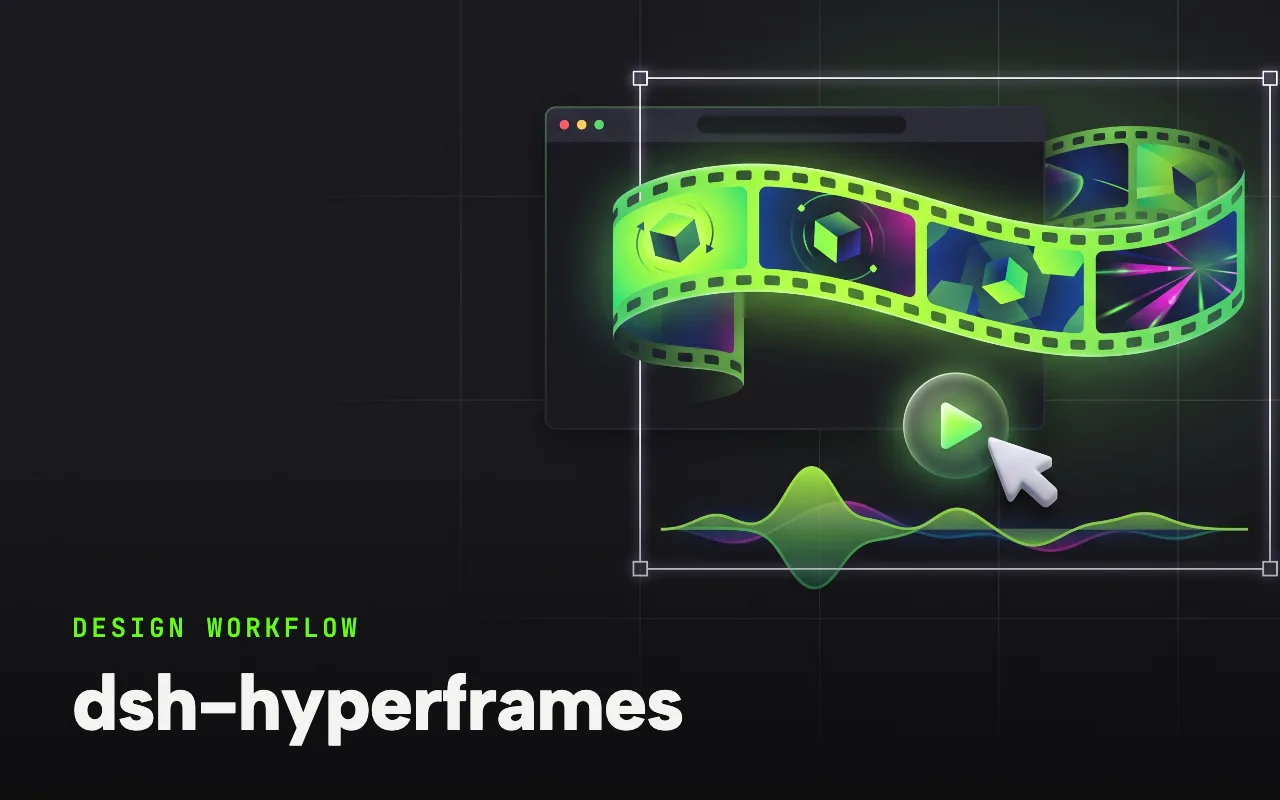
HyperFrames by HeyGen, ported: five official skills that turn HTML into finished video.
What it is
One install registers the five official HyperFrames by HeyGen skills in the harness: HTML video composition with visual styles, palettes, captions and audio-reactive transitions, the hyperframes CLI, the component registry, a website-to-video pipeline, and a GSAP animation reference.
Five skills: hyperframes, hyperframes-cli, hyperframes-registry, website-to-hyperframes, gsap
DSH(DeepSeek Harness)视频创作技能插件:安装即把 HyperFrames by HeyGen 官方移植技能五件套注册进 DSH(HTML 写视频:合成、GSAP 动画、字幕、配音、音频响应、网址转视频)。
Why it matters for design
- Motion design in the medium you already work in: HTML and CSS become rendered video.
- A seven-step website-to-video pipeline turns a URL into a produced clip.
- The skills use the open SKILL.md format, so the same set carries to Claude Code, Cursor and Codex.
What it covers
- 安装
- 技能清单
- 依赖
- 移植说明
- 跨平台使用
How to install
dsh-hyperframes
-
Run this in a terminal.
dsh plugin --profile web add dsh-hyperframes -
Restart dsh web so it picks up the plugin.
-
Then describe the design you want. The harness picks up the plugin’s tools.
How to run it with DeepSeek Harness
-
Add the plugin to your web profile and restart.
-
Say “turn this URL into a HyperFrames video” to trigger the pipeline.
-
Render through the hyperframes CLI; Node 22+ and FFmpeg are the only dependencies.
Every plugin here is free to install and links to its real upstream source.
More in the DeepSeek Harness repo ↗More DeepSeek Harness design plugins
 Vision & Input What it does modlens Gives text-only DeepSeek models plug-in vision: paste a screenshot, get structured evidence.
  Vision & Input What it does dsh-vision-toolkit Ten vision tools for UI restoration, grounding and pixel-diff verification.
  Vision & Input What it does dsh-ui-spec Turns UI screenshots into implementation-grade specs: tokens, spacing scale, layout grid.
  Vision & Input What it does dsh-media-skills Free eyes and a free paintbrush: paste-image reading plus watermark-free image generation.
 Next step
Design with OpenDesign, without the setup
Install this plugin yourself, or run a whole curated design layer around DeepSeek Harness with OpenDesign. Bring your own key, own your output.