
Canvas & Generative UI
deepseek-harness-genui
The task grows a focused React interface — and what you choose in it flows back to the agent.
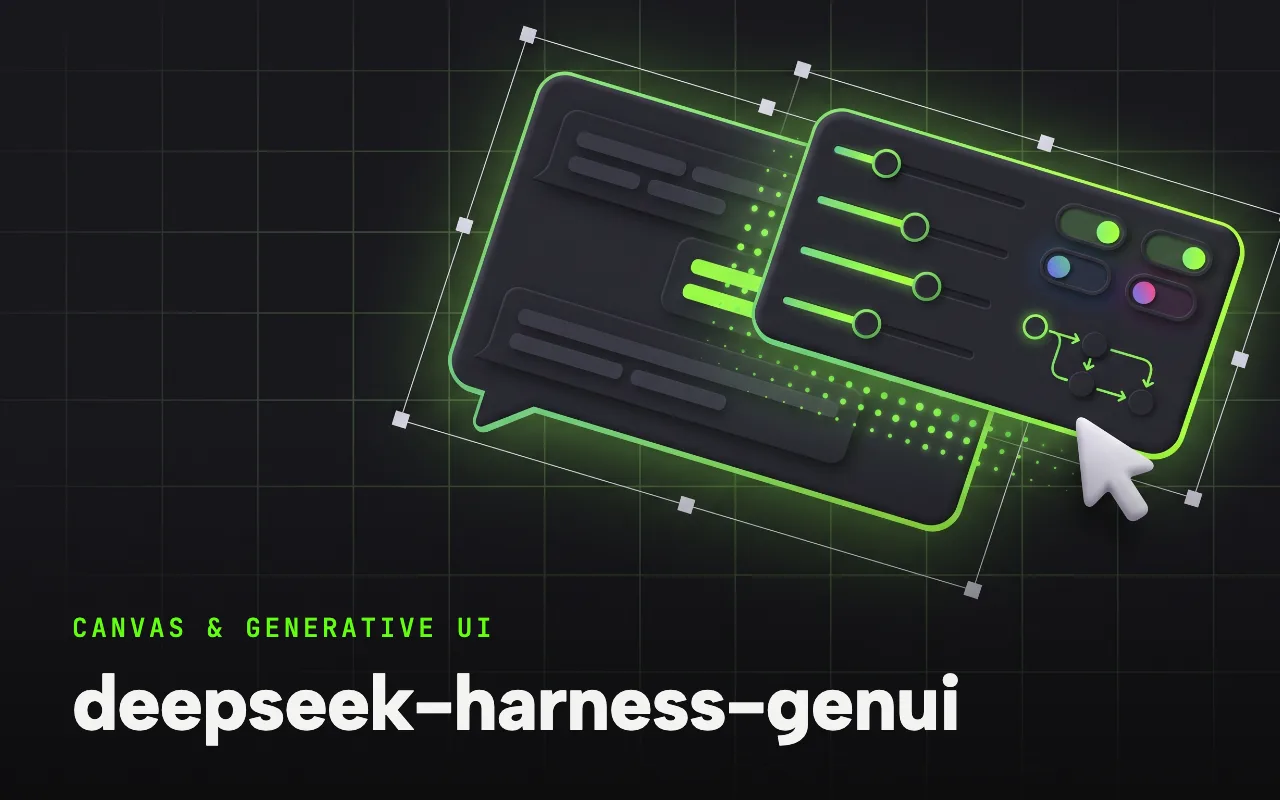
What it is
A runtime interface layer for agent tasks: when text gets in the way, the agent writes a small React + TypeScript app — shown inline, in Canvas, full screen or on localhost — to explain a difficult relationship, collect a complex decision, or operate a connected tool after task-scoped approval.
DeepSeek Harness GenUI is a runtime interface layer for Agent tasks. When text gets in the way, the Agent can make the current task grow a focused UI—to explain a difficult relationship, collect a complex decision, or operate a connected tool.
Why it matters for design
- Interfaces are code-first React, so layouts, controls and diagrams are real components, not screenshots.
- Saved selections, inputs and drafts return to the task for later agent turns to read.
- A DESIGN.md system with four visual profiles keeps generated apps on one design language.
What it covers
- What Changes
- When an Interface Helps
- Inline & Canvas
- How It Works
- Design MD
- Safety
How to install
deepseek-harness-genui
-
Run this in a terminal.
dsh plugin --profile web add dsh-plugin-genui && dsh plugin --profile web exec playwright install chromium -
Restart dsh web so it picks up the plugin.
-
Then describe the design you want. The harness picks up the plugin’s tools.
How to run it with DeepSeek Harness
-
Run the install command — it adds the plugin, then installs the Chromium that Playwright needs.
-
Ask for an interface when interaction helps: a picker, an explorable model, a code-path explorer.
-
Interact, then follow up — the agent reads what you selected instead of asking you to repeat it.
Every plugin here is free to install and links to its real upstream source.
More in the DeepSeek Harness repo ↗More DeepSeek Harness design plugins
 Vision & Input What it does modlens Gives text-only DeepSeek models plug-in vision: paste a screenshot, get structured evidence.
  Vision & Input What it does dsh-vision-toolkit Ten vision tools for UI restoration, grounding and pixel-diff verification.
  Vision & Input What it does dsh-ui-spec Turns UI screenshots into implementation-grade specs: tokens, spacing scale, layout grid.
  Vision & Input What it does dsh-media-skills Free eyes and a free paintbrush: paste-image reading plus watermark-free image generation.
 Next step
Design with OpenDesign, without the setup
Install this plugin yourself, or run a whole curated design layer around DeepSeek Harness with OpenDesign. Bring your own key, own your output.